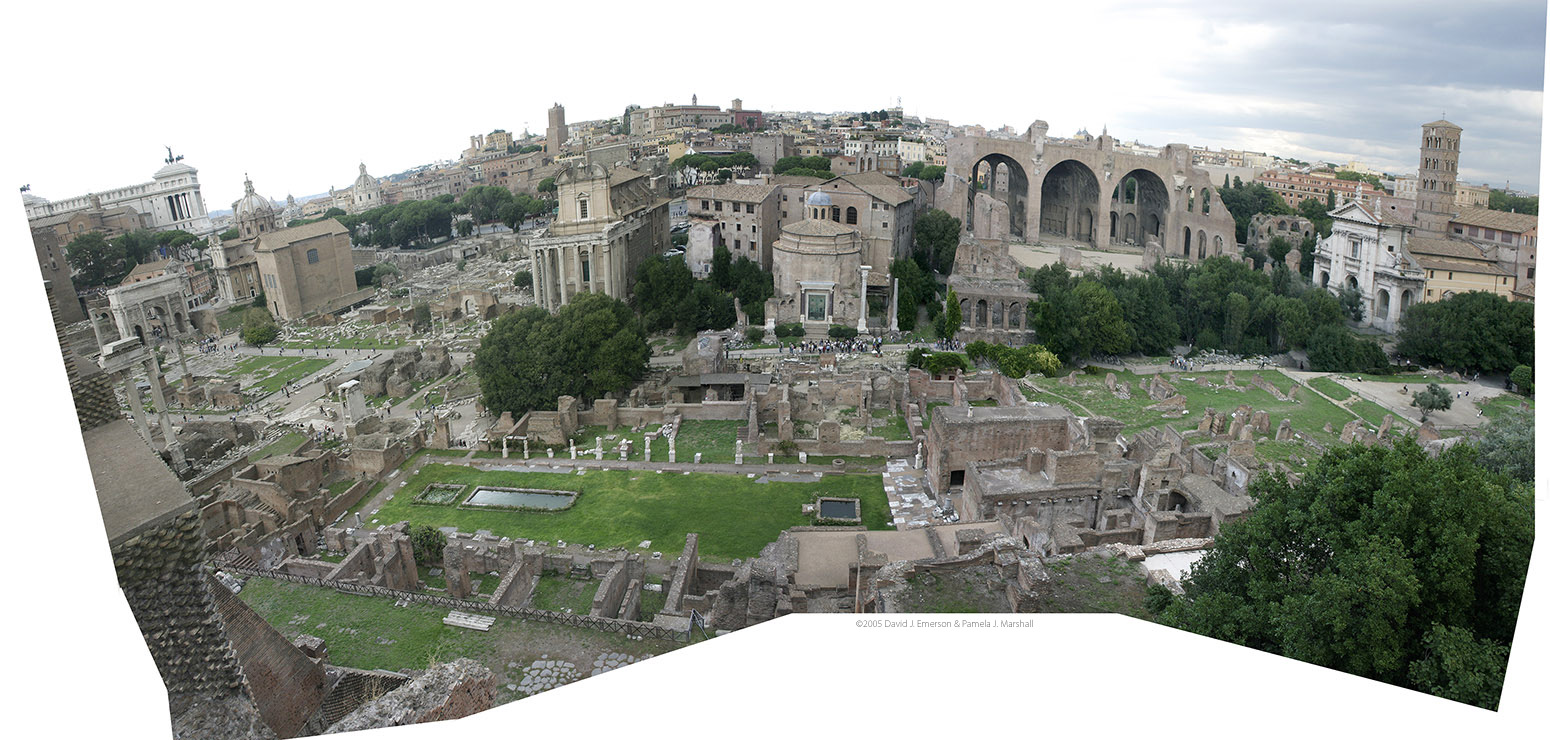
Click on the photo to switch between the panorama and the version with annotations. The image is big, so scroll around to see it all. The annotation won't appear until the second image finishes loading.
This panorama was created from six photos, stretched and skewed in Photoshop to match their edges.
Resources